
 login
login

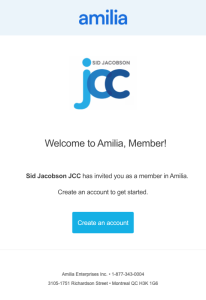
Before registering for programs, primary household account holders must activate their Amilia account.
Check your email (and spam folder) for an activation message from notifications@amilia.com. Follow the activation instructions in the email.
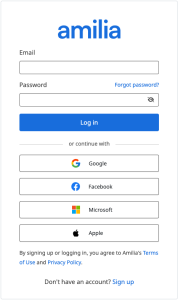
Login into Amilia using your new credentials, email and password.
Verify/update your account contact information. Once logged in, tap your email address in the top right or the menu button on mobile. Then tap My Account. Next, tap People and then click on your name to view and edit your contact information.
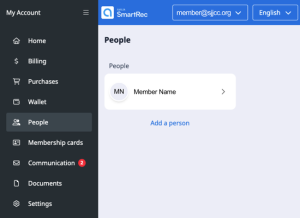
You can invite any member of your household (14 and older) included on your membership to use the Amilia app to register and swipe into the JCC. Within the People (MyAccount > People), tap Add a Person, to add a family member to your account.
Add a credit card or bank account for fast checkout and payment processing. Tap My Account or the menu button on mobile, then tap Wallet and add in your payment information.
Effective May 1, your current barcode will no longer work for building access. Please activate your Amilia account and download the Amilia app to continue accessing the building.
If you need help activating your account, our Front Desk team is happy to assist you, or you can email info@sjjcc.org.
Sunday: 7:00 am-6:00 pm
Monday-Thursday: 6:00 am-10:00 pm
Friday: 6:00 am-5:30 pm
Saturday: 7:00 am-6:00 pm
Please note: The Health+Wellness Center always closes 15 minutes before the building closes.